Registering an agent
Once installed on your premises, register the agent in the Entrust PKIaaS portal.
To register an agent:
-
Follow Accessing your instances to log in to the PKIaaS user interface using an account with one of the following roles:
-
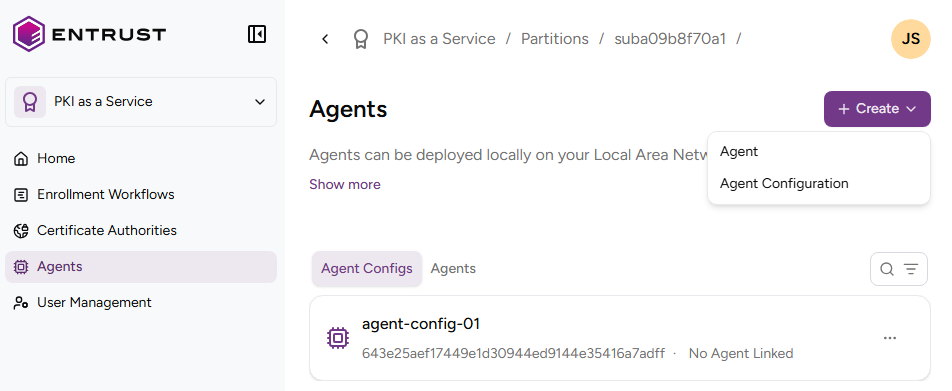
Click Agents in the sidebar and select Create > Register an Agent.
-
In the Register Agent dialog, enter the one-time password you received during installation on the selected platform.
-
Click Register.