Reviewing alerts
Alerts notify you when an enrollment workflow has certificate lifecycle health issues.
To review an alert:
- Follow Accessing your instances to log in to the PKIaaS user interface as a user with any of the roles described under Role permissions.
-
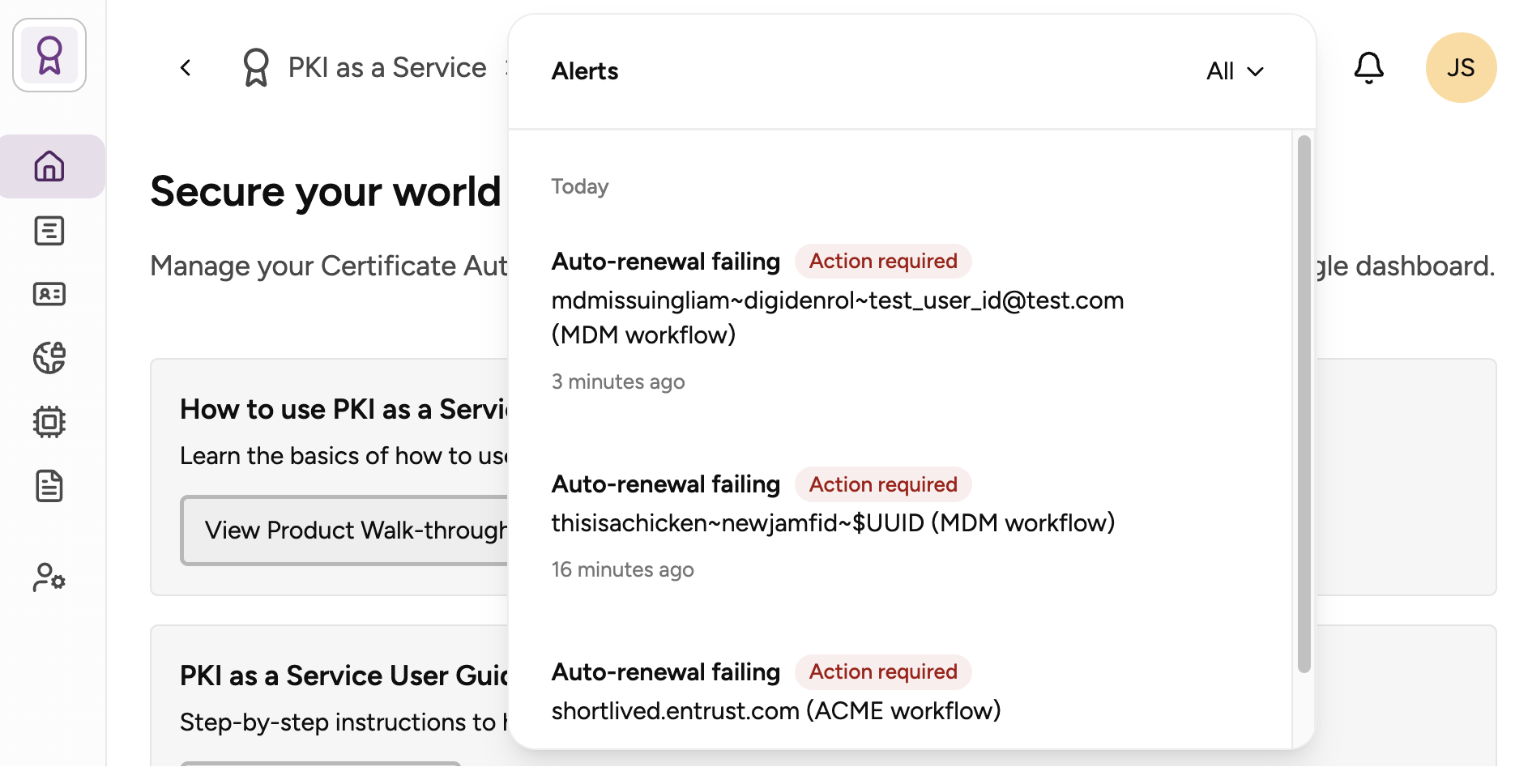
Click the bell icon in the top-right corner.
-
Optionally, select one of the alert filtering options:
- All
- Action required
- Resolved
-
Select an alert to view the following details:
- End entity: The affected enrollment entity. For example, alerts for offline agents display the agent’s friendly name followed by its identifier in parentheses.
- Workflow: The enrollment workflow affected by the issue.
- Occurred: The date and time the issue was reported.
- Next steps: A description of the required corrective action, if any.
-
Optionally, click Pause notifications to pause notifications while you resolve the issue.