Deleting a CA
When deleting a certificate authority:
-
All certificates issued for end entities or other certificate authorities become unusable. Specifically, when deleting a root certificate authority, all its subordinate certificate authorities and all certificates issued by these subordinate certificate authorities become unusable.
-
You must wait 24 hours before creating a CA with the same identifier. During these 24 hours, your number of active CAs will still include this CA.
For authorities created in Creating a third-party Sectigo authority, this process removes the CA configuration from PKIaaS but certificates issued through Sectigo Certificate Manager remain managed by Sectigo.
Follow the steps below to delete a certificate authority.
To delete a certificate authority:
Follow Accessing your instances to log in to the PKIaaS user interface using an account with one of the following roles:
Click Certificate Authorities in the sidebar.
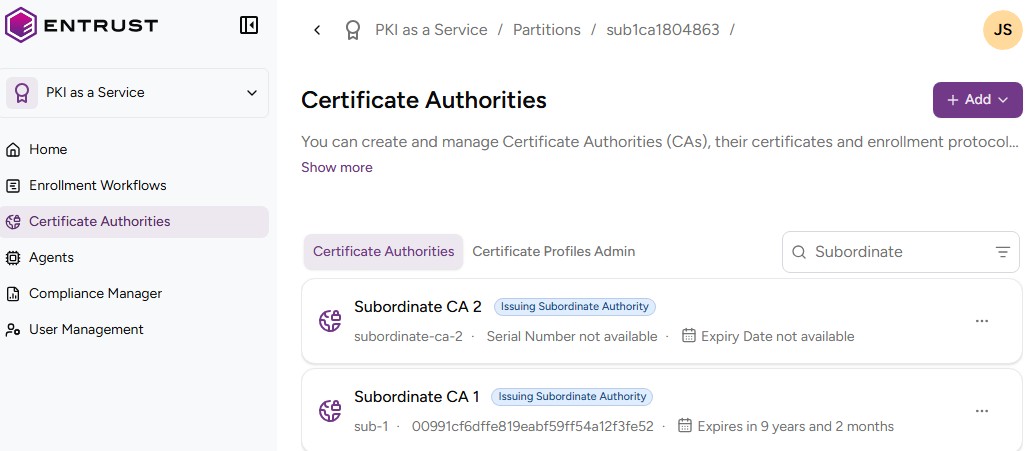
- In the Certificate Authorities tab, select the three dots (…) to the right of the certificate authority you want to delete.
- Select Delete Certificate Authority.
- Click Delete in the confirmation dialog.