Customizing certificate profiles
Follow the steps below to clone a certificate profile and create a new custom one.
To create a certificate profile:
-
Follow Accessing your instances to log in to the PKIaaS user interface using an account with one of the following roles:
-
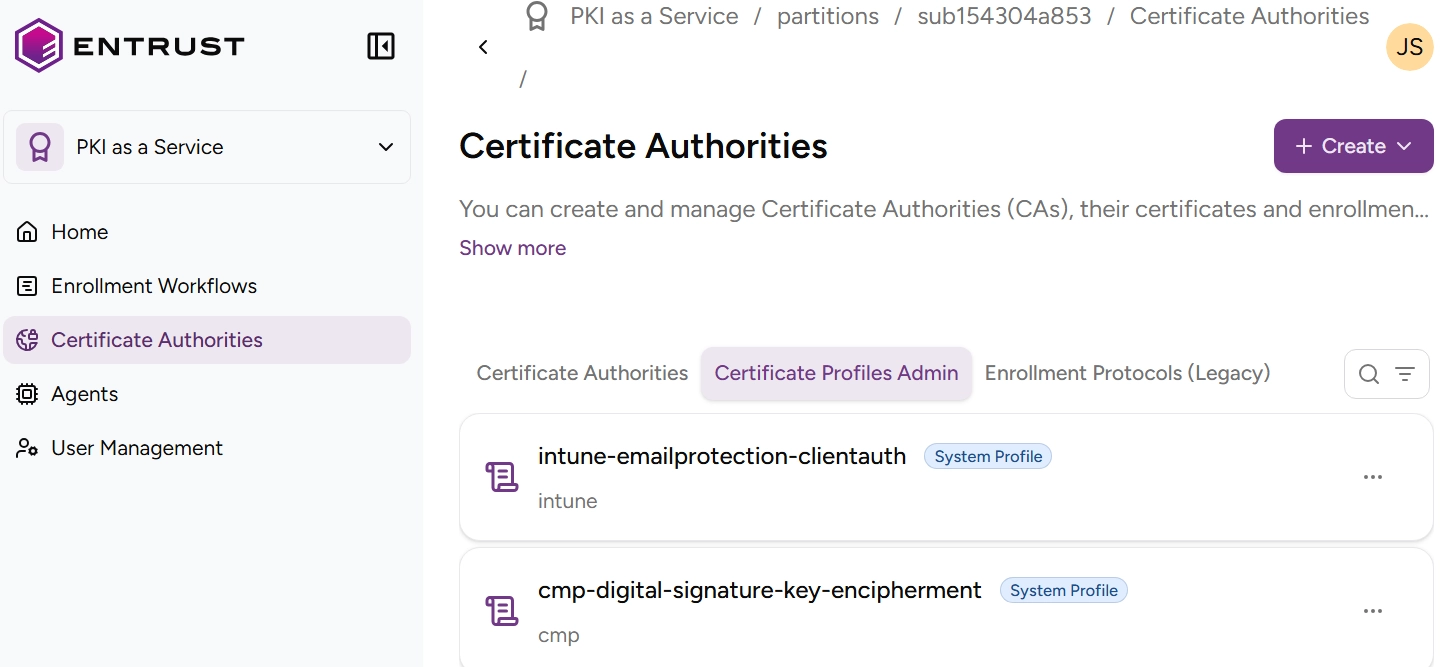
Click Certificate Authorities in the sidebar.
-
Select the Certificate Profiles Admin tab to display the list of certificate profiles.
-
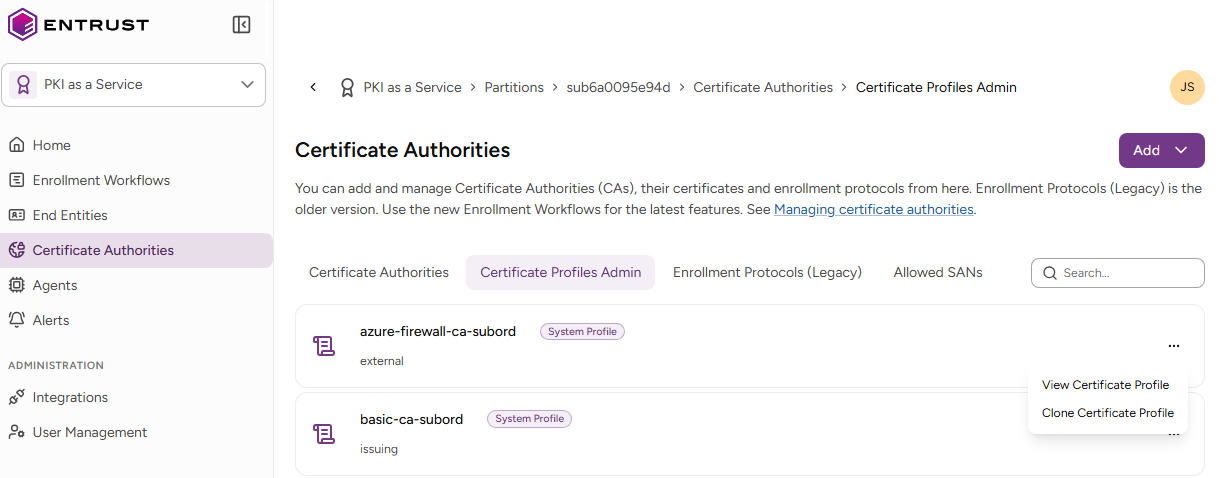
Select the three dots (…) to the right of the profile you want to use as a template.
-
Select Clone Certificate Profile.
-
In the Clone Certificate Profile form, edit the Certificate profile fields. You can:
- Fill in the UI fields.
- Toggle the Modify Technical Specification (Expert Mode) switch and edit the profile JSON specification.
-
Click Clone to complete the profile creation.