Uploading the VHD image
Upload the agent image file with the .vhd extension to Azure.
See Downloading an agent to obtain this file.
To upload the VHD image file:
-
Extract the contents of the Azure zipped image.
Extracting the Azure zipped VHD image requires at least 11 GB of disk space. -
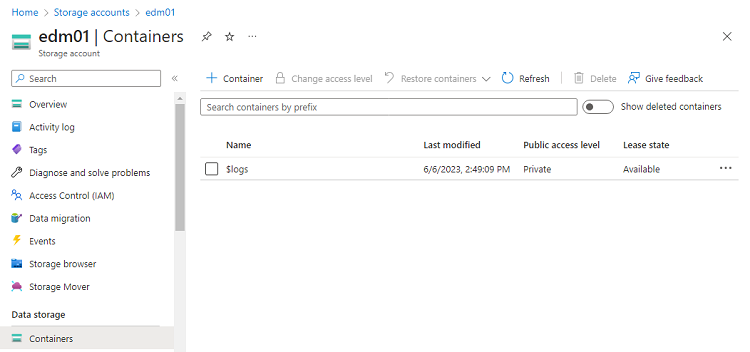
In the Azure Portal, select the storage account described in Creating an Azure storage account.
-
On the storage settings page, in the sidebar menu, select Data storage > Containers.
-
On the Containers page, click + Container.
-
Enter a name for the new container and click Create.
-
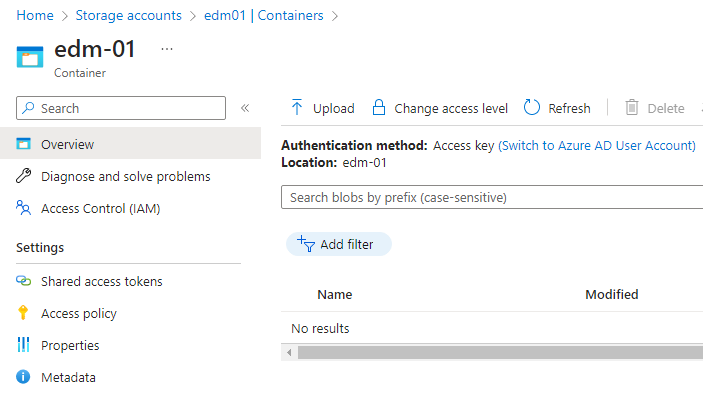
On the Containers page, select the new container to display the container details.
-
On the container details page, click Upload.
-
Select the agent image file with the
.vhdextension and wait while the file uploads.