Migrating legacy enrollment protocols
To make use of the new enrollment lifecycle-management operations, you must migrate the legacy configurations set in the Enrollment Protocols (Legacy) tab of the Certificate Authorities page.
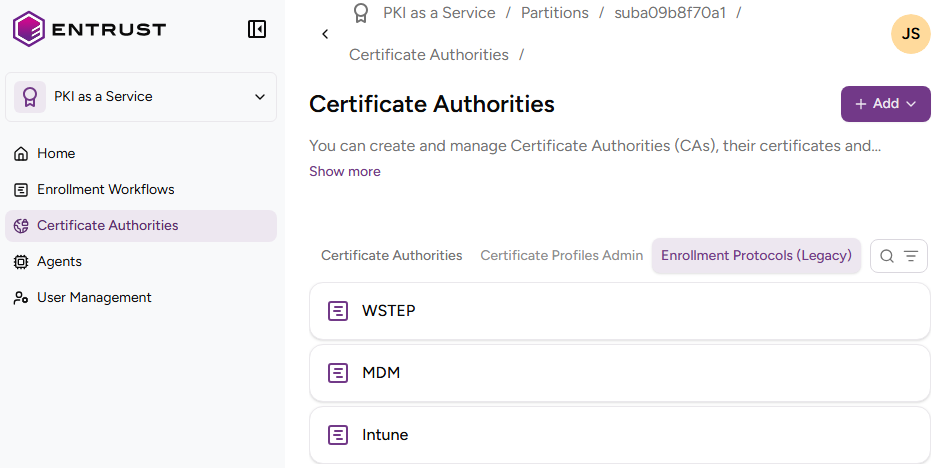
To migrate a legacy enrollment protocol:
-
Follow Accessing your instances to log in to the PKIaaS user interface using an account with one of the following roles:
-
Create a new enrollment workflow using the same certificate authorities.
-
Perform the required additional steps.
- To migrate an Intune enrollment protocol, follow Automating Microsoft Intune MDM enrollment.
- To migrate an MDM enrollment protocol, follow:
-
Click Certificate Authorities in the sidebar and select the Enrollment Protocols (Legacy) tab.
-
Remove the old configuration.
-
Configure the new enrollment URL on your corporate system.