Creating digital identifiers
After Creating a Workspace ONE workflow, create at least one digital identifier
To create a digital identifier:
-
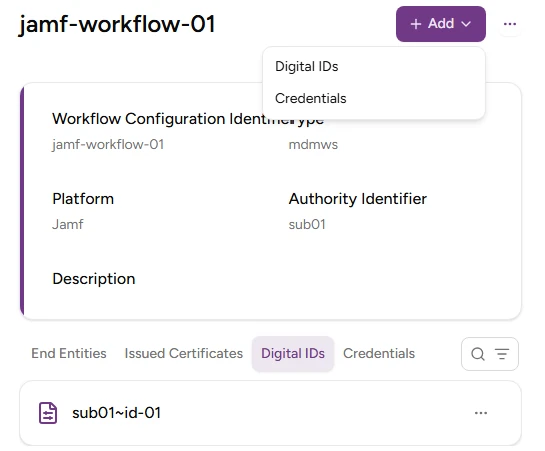
In the workflow configuration page, select Create > Digital IDs.
-
Configure the following values.
-
Click Create.
-
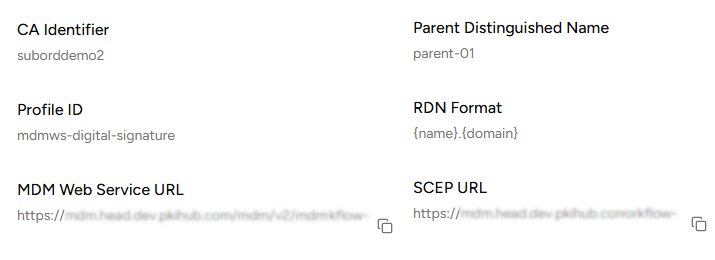
Copy the URLs under the MDM Web Service URL and SCEP URL fields of the confirmation dialog.
Digital ID
Enter a digital identifier with the following requirements:
- 2-18 characters long.
- Only includes lowercase letters, numbers, hyphens (’-’), and underscores (’_’).
Parent DN
Enter the parent Distinguished Name (DN) for building the RDN of a certificate. This value is appended to the end of the Subject DN after the RDN Format variables have been processed.
RDN Format
Enter the Relative Distinguished Name (RDN) format to build certificate Subject Names. See Jamf RDN Format for considerations on this value.
CA Identifier
Select an issuing subordinate authority with profiles of the mdmws group.
Profile ID
Select the mdmws profile to process the enrollment requests.