Requests Templates
In the Request Templates tab:
-
Click ADD.
-
Configure a new template for the CA.
-
Click SAVE to save the new template settings.
Name
Enter a name for the template in the VMware environment.
Description
Enter an optional description for the template in the VMware environment.
Certificate Authority
Select the name of the CA created in the Certificate Authorities tab.
Managed CA
Select the same CA name used for Configuring Workspace ONE in PKIaaS.
Profile name
Select the same Profile ID value selected for Configuring Workspace ONE in PKIaaS.
<field>
Configure the same RDN Format variables selected for Configuring Workspace ONE in PKIaaS. You can either:
- Provide static text
- Click 🞧 and select a Workspace ONE variable
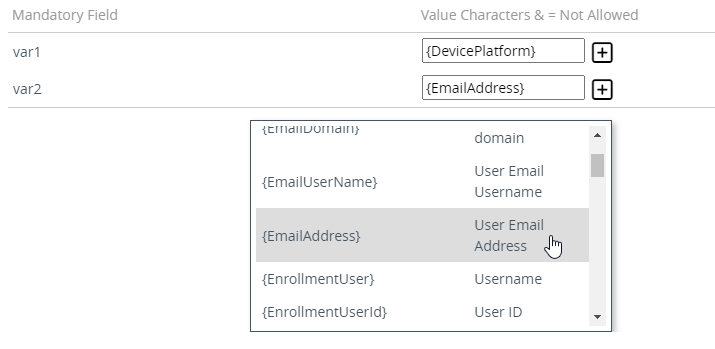
Every enrollment request must provide a value for the two variables below.
| Variable name | Variable value |
|---|---|
deviceudid |
{DeviceUid} |
certificateconfigurationname |
The Name of this request template. |
Workspace ONE reads the list of RDN variables from the digital identifier automatically, so every variable defined on it appears here for you to complete.