Deleting a custom field
Follow the steps below to delete a custom field.
To delete a custom field:
Follow Accessing your instances to log in to the PKIaaS user interface using an account with one of the following roles:
Click Certificate Authorities in the sidebar and select the Custom Fields tab.
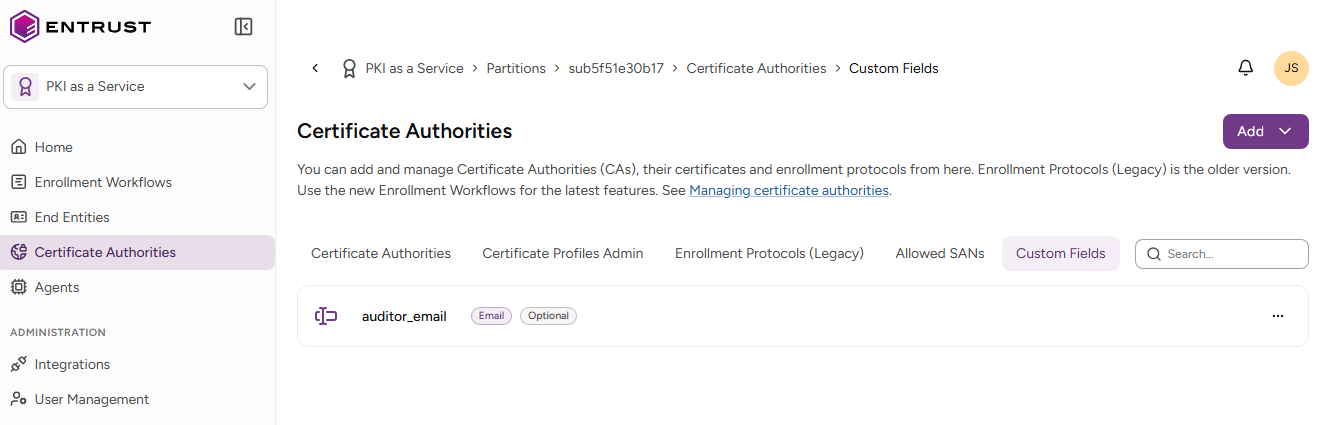
- Select the three dots (…) to the right of a custom field and select Delete Custom Field.
- Click Delete in the confirmation dialog.