Managing end entities
See below for how to manage the end entities for which to issue certificates.
To manage end entities:
-
Follow Accessing your instances to log in to the PKIaaS user interface using an account with one of the following roles:
-
Click End Entities in the sidebar to display all the end entities managed by the current instance.
- Optionally, narrow the list with the options described in Querying data.
-
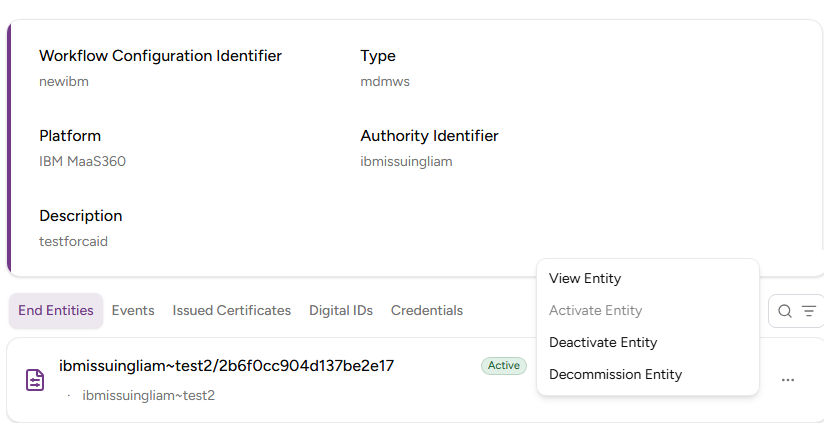
In the end entities grid, click the three dots (…) to the right of an end entity and select:
-
View End Entity to display the details of the entity, such as the associated workflow and the certificate details.
-
Renew End Entity to manually renew the end entity certificate.
-
Approve End Entity to approve the registration of the new end entity.
-
Decline End Entity to decline the registration of the end entity.
-
Activate End Entity to reactivate the end entity after a deactivation.
-
Deactivate End Entity to disable the end entity.
-
Decommission End Entity to permanently remove the end entity.
-