Creating EAB keys
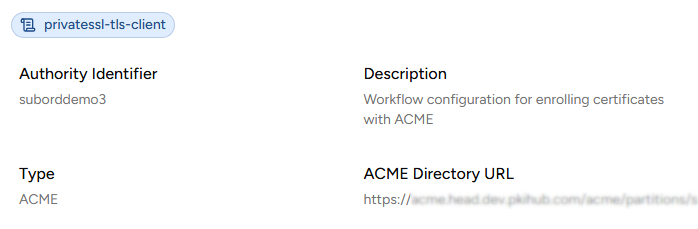
After Creating an ACME enrollment workflow, create at least one EAB (External Account Binding) key.
To create an EAB key:
-
Click Create EAB Key
-
Enter a friendly name with the following requirements:
- 2-18 characters long.
- Includes lowercase letters, numbers, hyphens (-), and underscores (_).
-
Click Create.
-
Copy the EAB Identifier and EAB HMAC Key values displayed in the confirmation dialog.
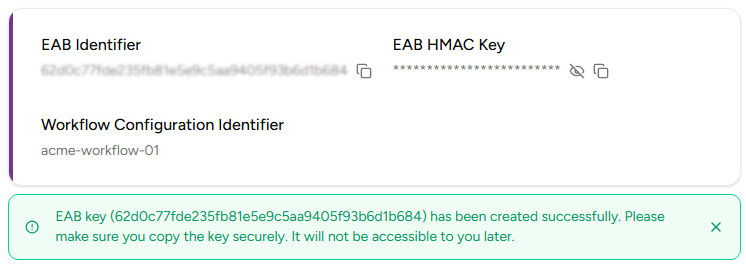 As stated in the confirmation dialog, Entrust PKIaaS will not display the EAB HMAC Key again after you leave this page.