Linking an agent to a configuration
Link a configuration to your agent.
To link an agent configuration:
-
Follow Accessing your instances to log in to the PKIaaS user interface using an account with one of the following roles:
-
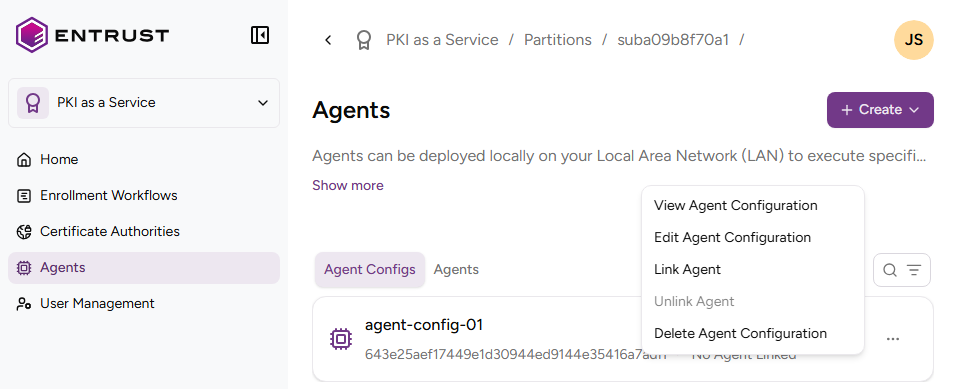
Click Agents in the sidebar and select a configuration in the Agent Configs list.
-
In the Agent Configs tab, select the three dots (…) to the right of the agent name.
-
Select one of your registered agents.
-
Click Link Agent.