Deleting an allowed SANs list
Follow the steps below to delete an allowed SANs list.
Before deleting an allowed SANs list, verify which subordinate issuing authorities are using it.
To delete an allowed SANs list:
Follow Accessing your instances to log in to the PKIaaS user interface using an account with one of the following roles:
Click Certificate Authorities in the sidebar and select the Allowed SANs tab.
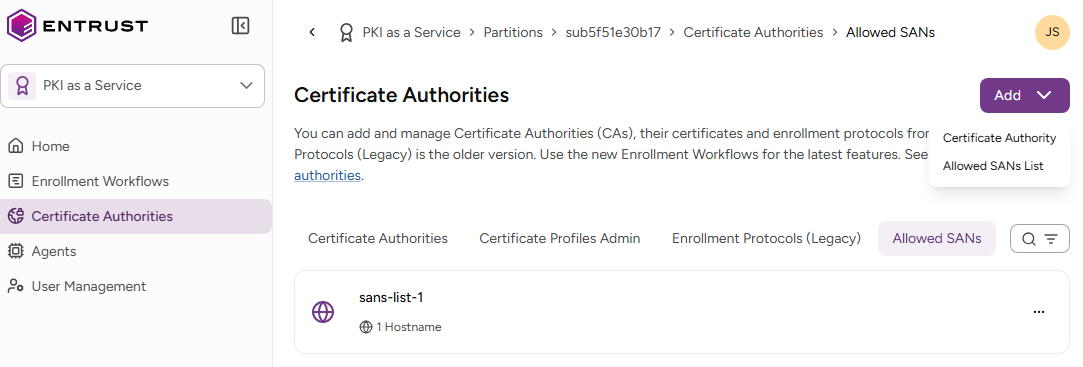
- Select the three dots (…) to the right of a list and select Delete Allowed SANs Lists.
- Click Delete in the confirmation dialog.