Auditing Ivanti enrollment
This section explains how to audit Ivanti enrollment.
To audit Ivanti enrollment:
-
Follow Accessing your instances to log in to the PKIaaS user interface using an account with one of the following roles:
-
Click Enrollment Workflows in the sidebar.
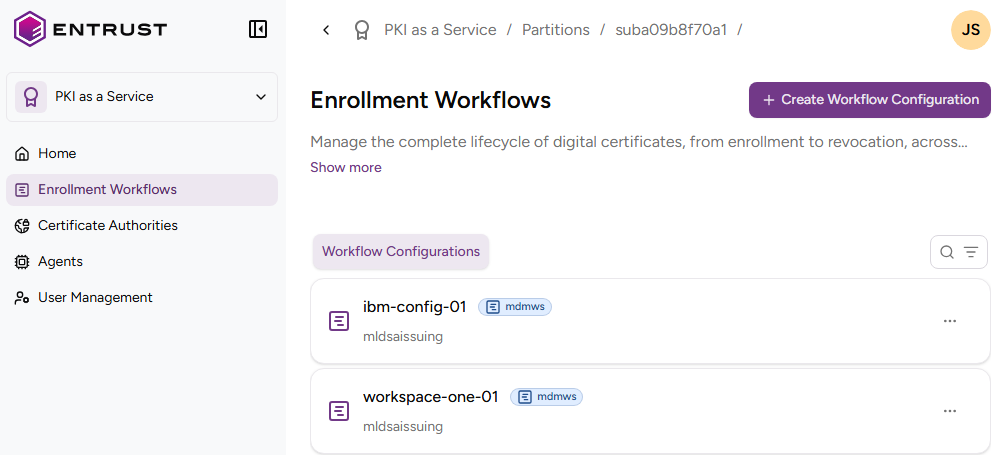
-
Select the name of an Ivanti enrollment workflow to display the configuration details.
End Entities
Select this tab to browse the identifier, activation status, and expiry date of each end-entity that has requested a certificate.
Issued Certificates
Select this tab to browse the certificates issued using the enrollment workflow.
Digital IDs
Select this tab to browse the digital identifiers described in Creating digital identifiers.
Credentials
Select this tab to browse the credentials described in Creating credentials.
Activity
Select this tab to browse a log of enrollment events.