Downloading eForm entity certificates
Follow the steps below to download certificates of approved eForm entities.
To download eForm entity certificates:
-
Follow Accessing your instances to log in to the PKIaaS user interface using an account with one of the following roles:
-
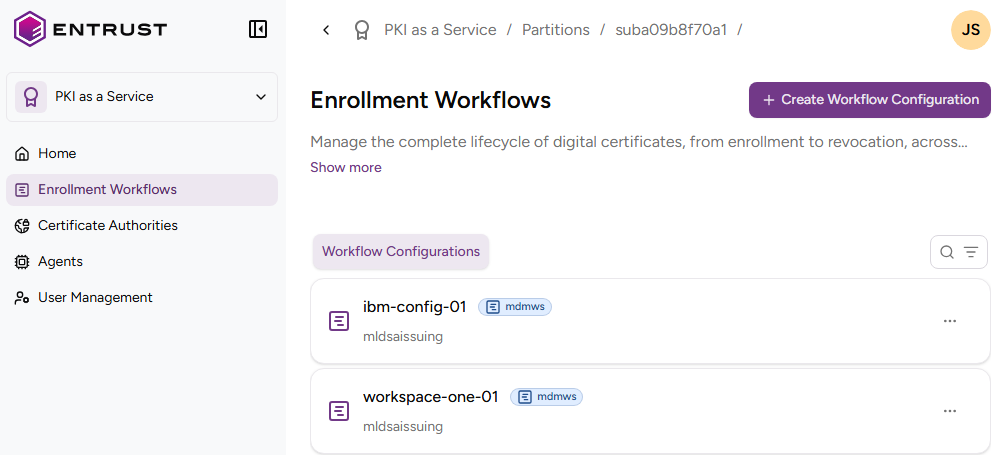
Click Enrollment Workflows in the sidebar.
-
Select an eForm workflow configuration.
-
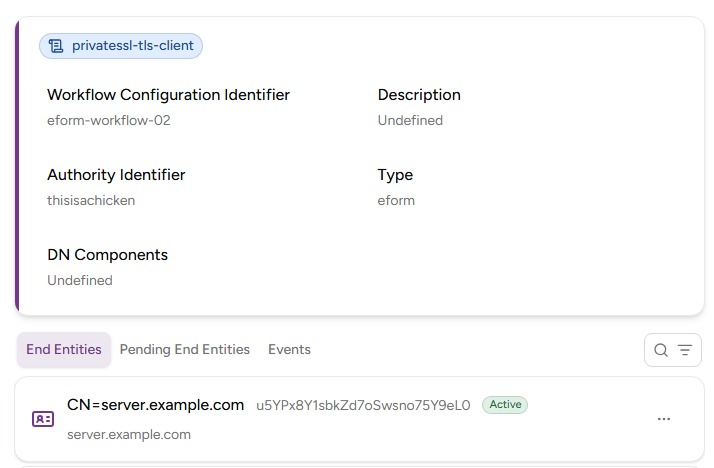
On the workflow details page, select the End Entities tab and select an active entity.
-
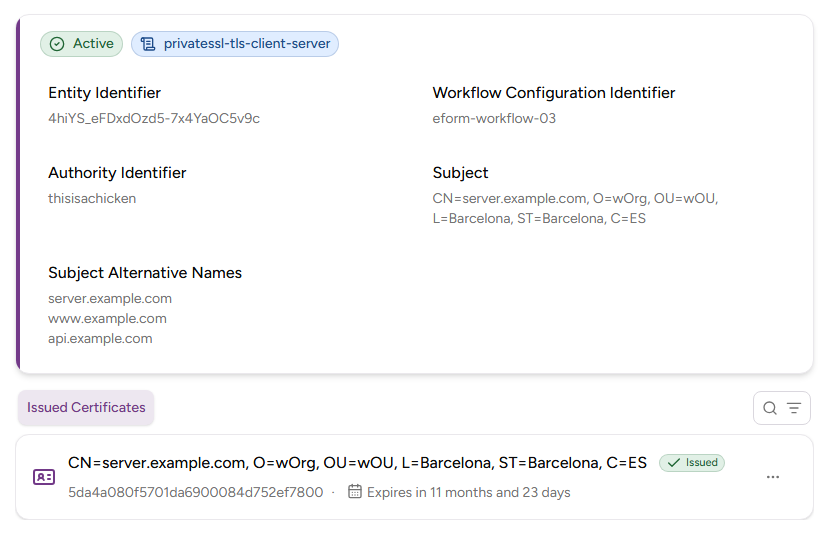
On the entity details page, select the Issued Certificates tab and select a certificate.
-
On the certificate details page, click Download Certificate.