Manually generating reports
See below for manually generating a CSV report without waiting for the scheduled generation time.
Once generated, reports are automatically sent to the email address of the user that designed them, and can be manually downloaded during 90 days.
To manually generate a report:
-
Follow Accessing your instances to log in to the PKIaaS user interface using an account with one of the following roles:
-
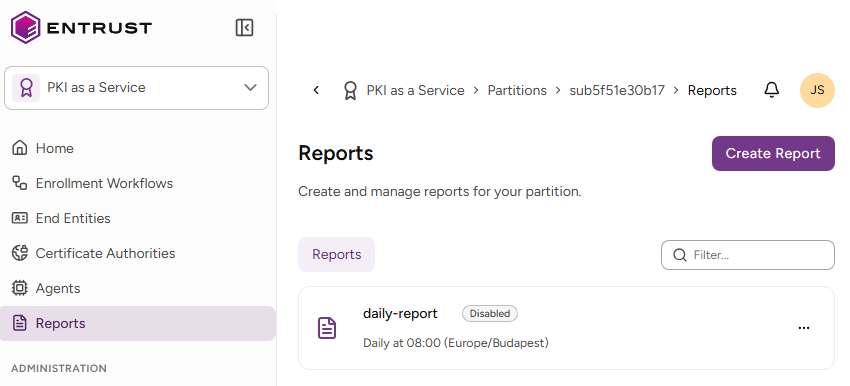
Click Reports in the sidebar
-
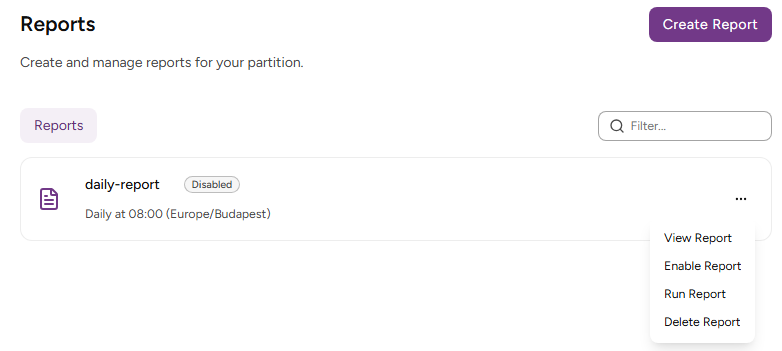
In the report grid, click the three dots (…) to the right of a report design.
-
Click Run Report.
You must wait an hour before generating the next report.