Selecting CAs for certificate templates
Once started, the on-premises agent discovers:
- The Microsoft Windows domains for each Active Directory node (see Adding Active Directory nodes).
- The Microsoft certificate templates configured on each domain.
Follow the steps below to select the PKIaaS certificate authority that will issue certificates for each template.
To select a CA for a certificate template:
-
Follow Accessing your instances to log in to the PKIaaS user interface using an account with one of the following roles:
-
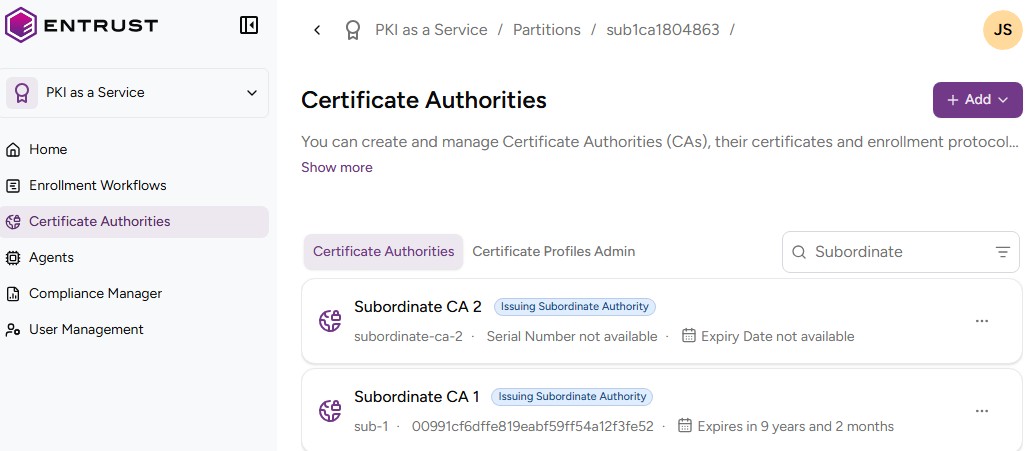
Click Certificate Authorities in the sidebar.
-
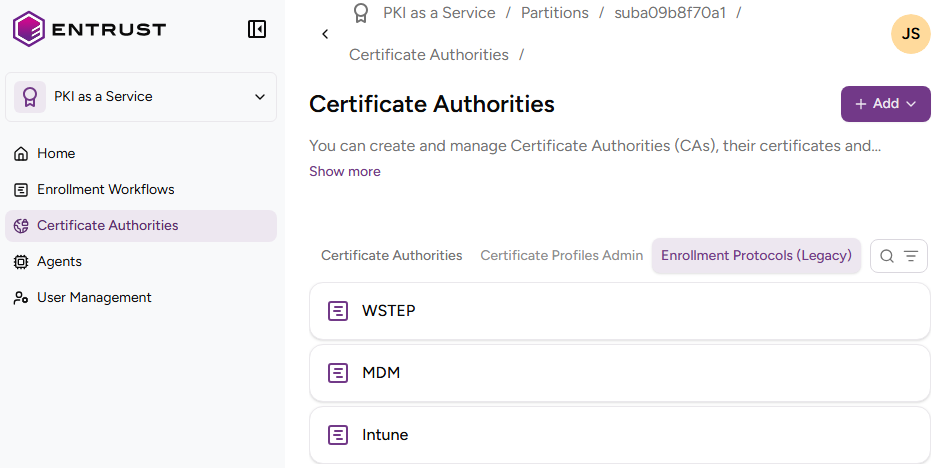
Select the Enrollment Protocols (Legacy) tab.
-
Click WSTEP in the protocols list.
-
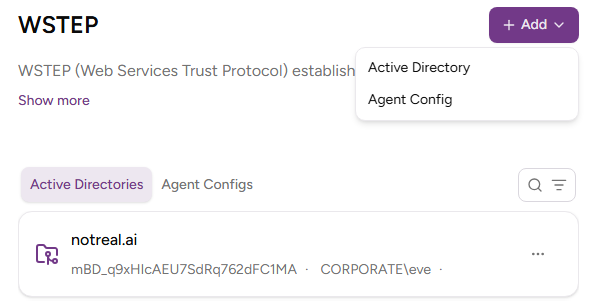
In the Active Directories tab, click an Active Directory name.
-
On the Discovered Domains tab, check the domains discovered by the agent for the Active Directory.
-
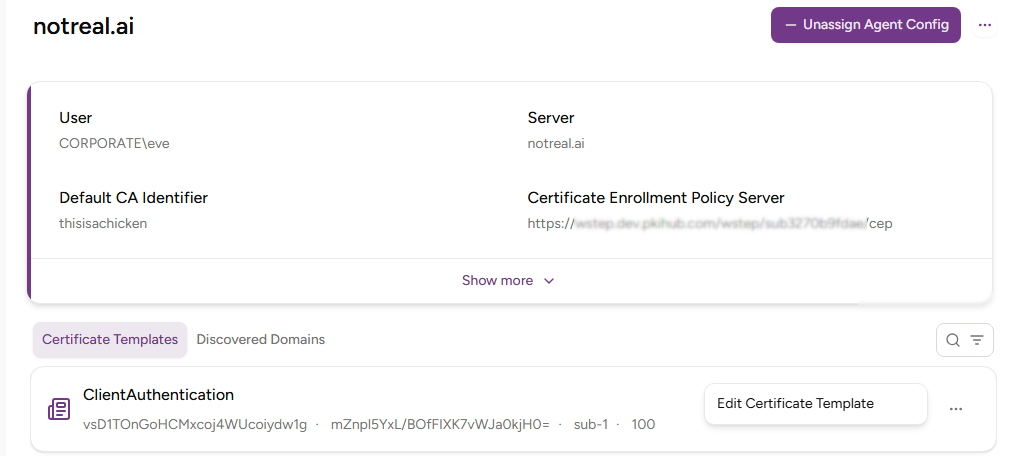
On the Certificate Templates tab, select Actions > Edit Certificate Template for a certificate template.
-
Select one of the certificate authorities described in Configuring an issuing CA for WSTEP and click Edit.