Browsing certificate profiles
Follow the steps below to browse certificate profiles.
To browse certificate profiles:
-
Follow Accessing your instances to log in to the PKIaaS user interface using an account with one of the following roles:
-
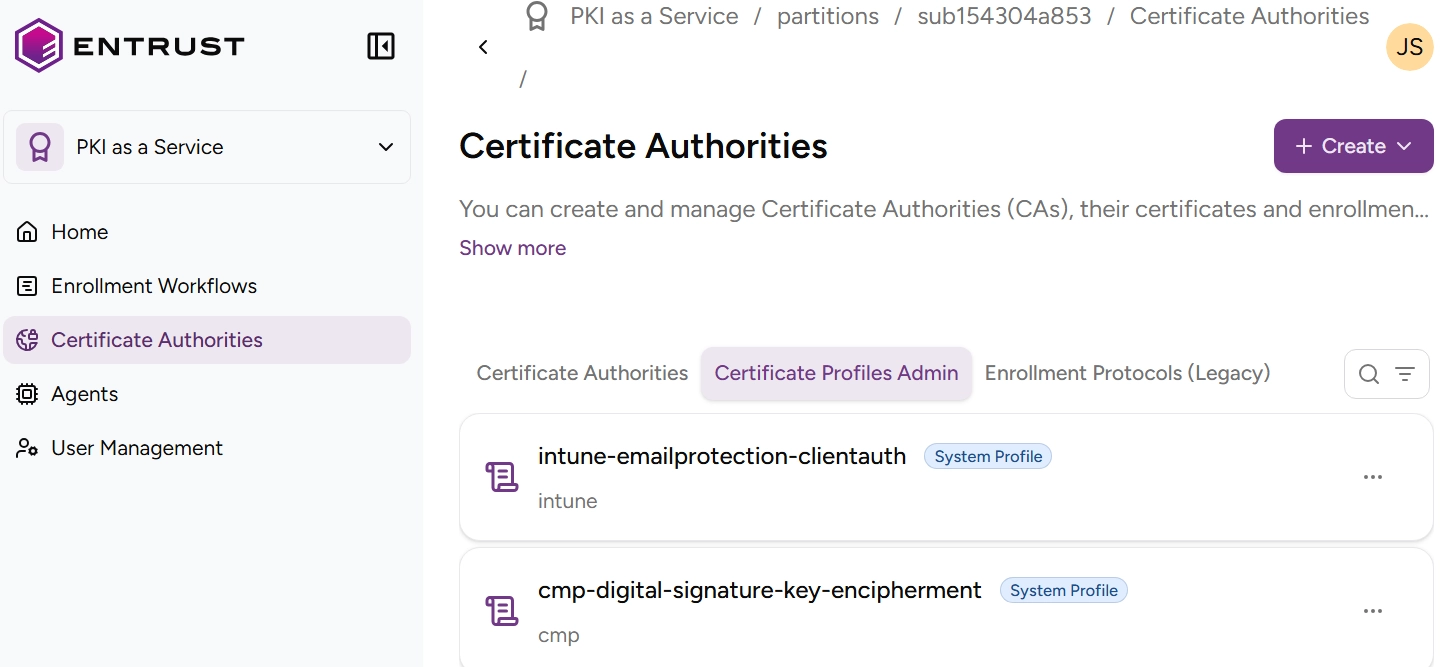
Click Certificate Authorities in the sidebar.
-
Select the Certificate Profiles Admin tab to display the list of certificate profiles.
- A System profile is one of the predefined certificate profiles described in Authority certificate profiles and Subscriber certificate profiles.
- A Custom profile is a certificate profile configured by the user, as outlined in Customizing certificate profiles.
-
Optionally, click the search icon
 in the upper-right corner and enter a case-insensitive free-text query.
-
Select a profile to display the Certificate profile fields.