Integrating Compliance Manager
Entrust PKIaaS integrates with Entrust Compliance Manager to audit and manage your key and certificate inventory.
To integrate Compliance Manager:
- Follow Accessing your instances to log in to the PKIaaS user interface using an account with the Owners role.
-
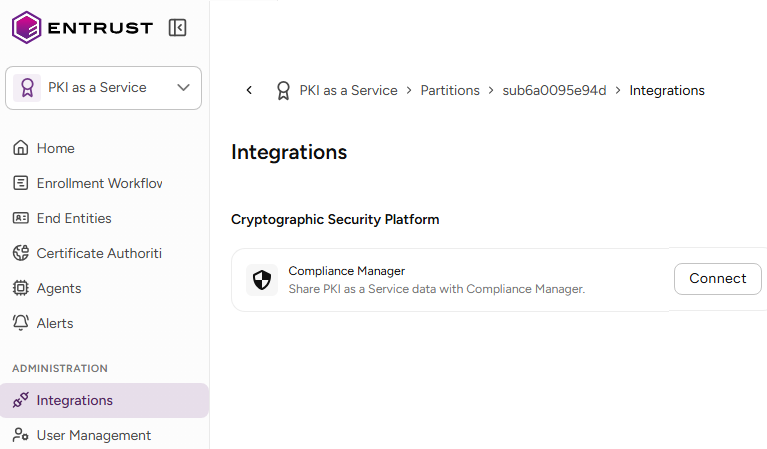
Click Integrations in the sidebar.
-
Click Connect in the Integrations page.
-
In the Connect Compliance Manager dialog, select an instance and click Connect.
-
Click Open to manage the keys and certificates of the selected instance in the Compliance Manager web interface.
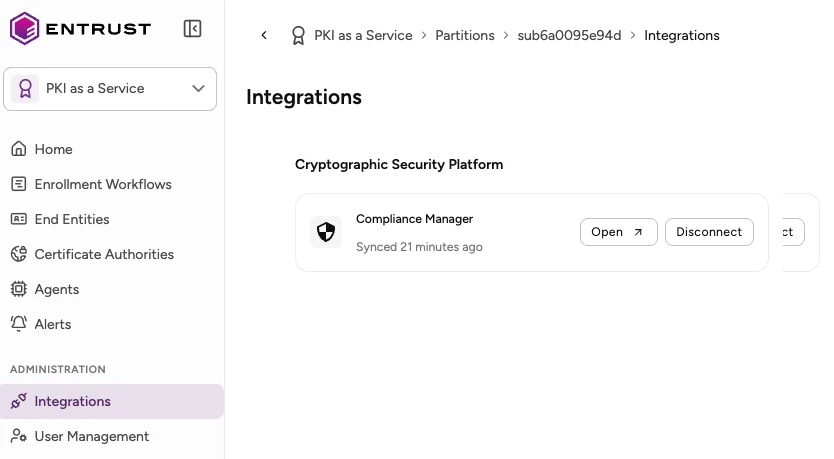 To select a different instance, click Disconnect and then Connect.