Auditing MDM Intune enrollment
Follow the steps below to audit MDM Intune enrollment.
To audit MDM Intune enrollment:
-
Follow Accessing your instances to log in to the PKIaaS user interface using an account with one of the following roles:
-
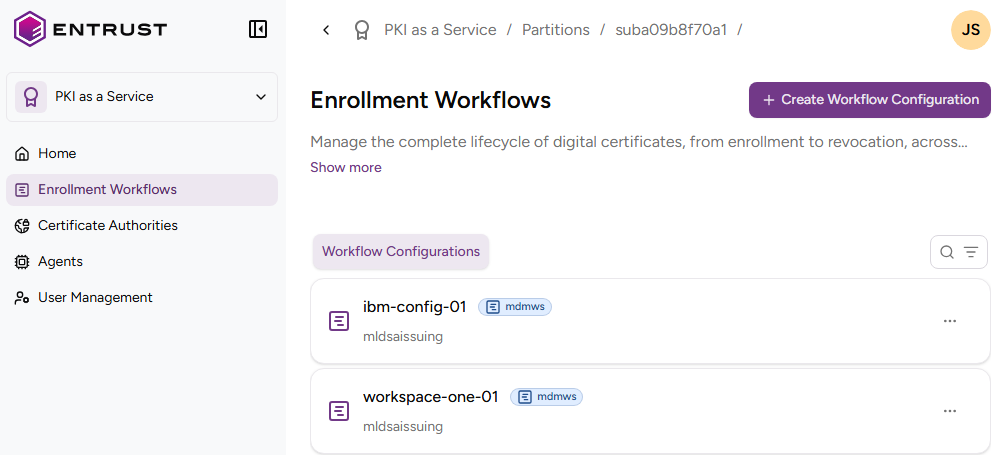
Click Enrollment Workflows in the sidebar.
-
Select the name of an MDM Intune enrollment workflow to display the configuration details.
End Entities
Select this tab to browse the identifier, activation status, and expiry date of each end-entity that has requested a certificate.
See Managing end entities for the supported actions on end entities.
Issued Certificates
Select this tab to browse the certificates issued using the enrollment workflow.
Activity
Select this tab to browse a log of enrollment events.