Downloading an agent
Download a virtual machine to operate as a WSTEP agent on your Windows domain.
To download an agent virtual machine:
-
Follow Accessing your instances to log in to the PKIaaS user interface using an account with one of the following roles:
-
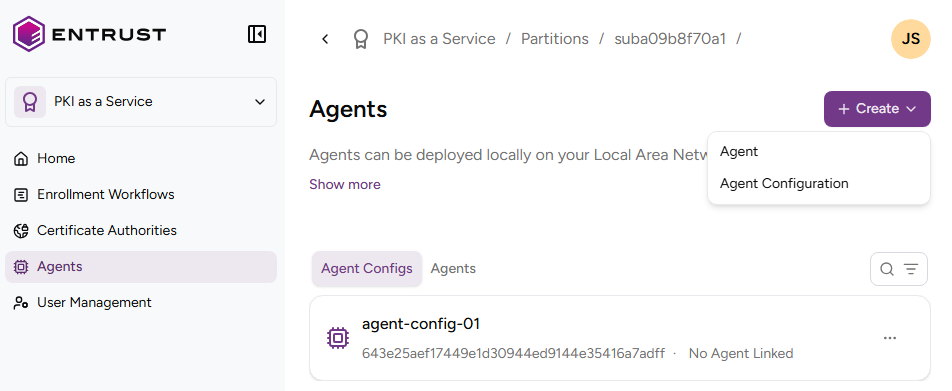
Click Agents in the sidebar.
-
Select the Agents tab.
-
Click REGISTER.
-
Click the download link corresponding to your corporate platform.
- VMware vSphere
- Azure
- AWS
-
Click Agree in the License Terms and Conditions dialog to start the image file download.