Selecting allowed SAN lists
After creating a subordinate issuing authority, you can update the list of allowed subject alternative names (SANs).
See Managing SAN lists to create allowed SAN lists.
To update the allowed SAN list of a certificate authority:
-
Follow Accessing your instances to log in to the PKIaaS user interface using an account with one of the following roles:
-
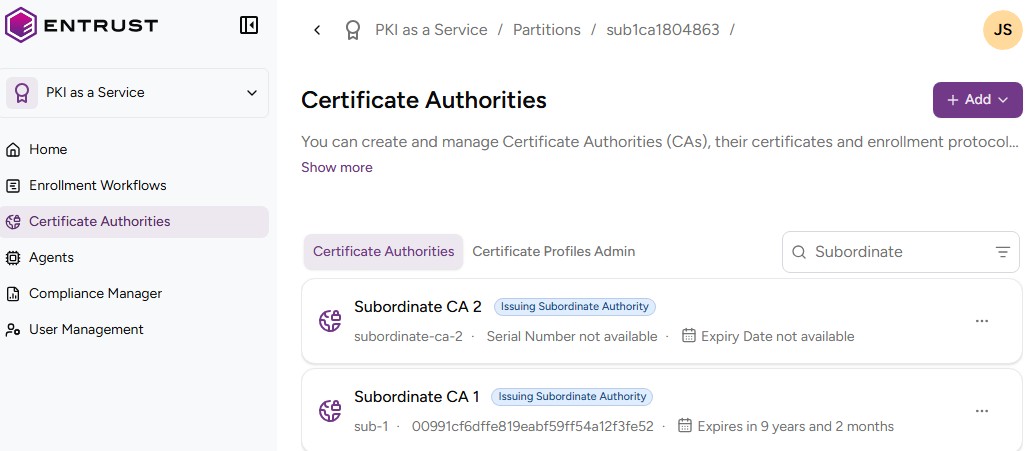
Click Certificate Authorities in the sidebar.
-
In the Certificate Authorities tab, select the three dots (…) to the right of an issuing subordinate authority.
-
Select Modify Allowed SAN List.
-
Add, replace, or remove the allowed SAN lists the authority will use for issuing certificates.