Accessing your instances
Log in to the PKIaaS user interface to manage the CAs and certificates in your instances.
See Creating instances to create a new instance.
To access an instance:
-
Open one of the supported browsers: Apple Safari, Google Chrome, or Mozilla Firefox.
-
Navigate to the PKIaaS user interface URL for your region.
Region URL United States https://ui.pkiaas.entrust.com Europe https://ui.eu.pkiaas.entrust.com Ensure your network firewall allows this URL to avoid connectivity issues. -
Authenticate using your credentials.
-
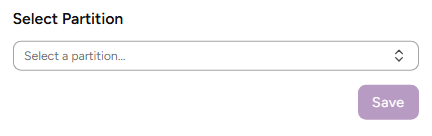
Select an instance in the Select Instance dialog.
-
Click Save. On your first visit, you will be guided through a three-step product walkthrough.
-
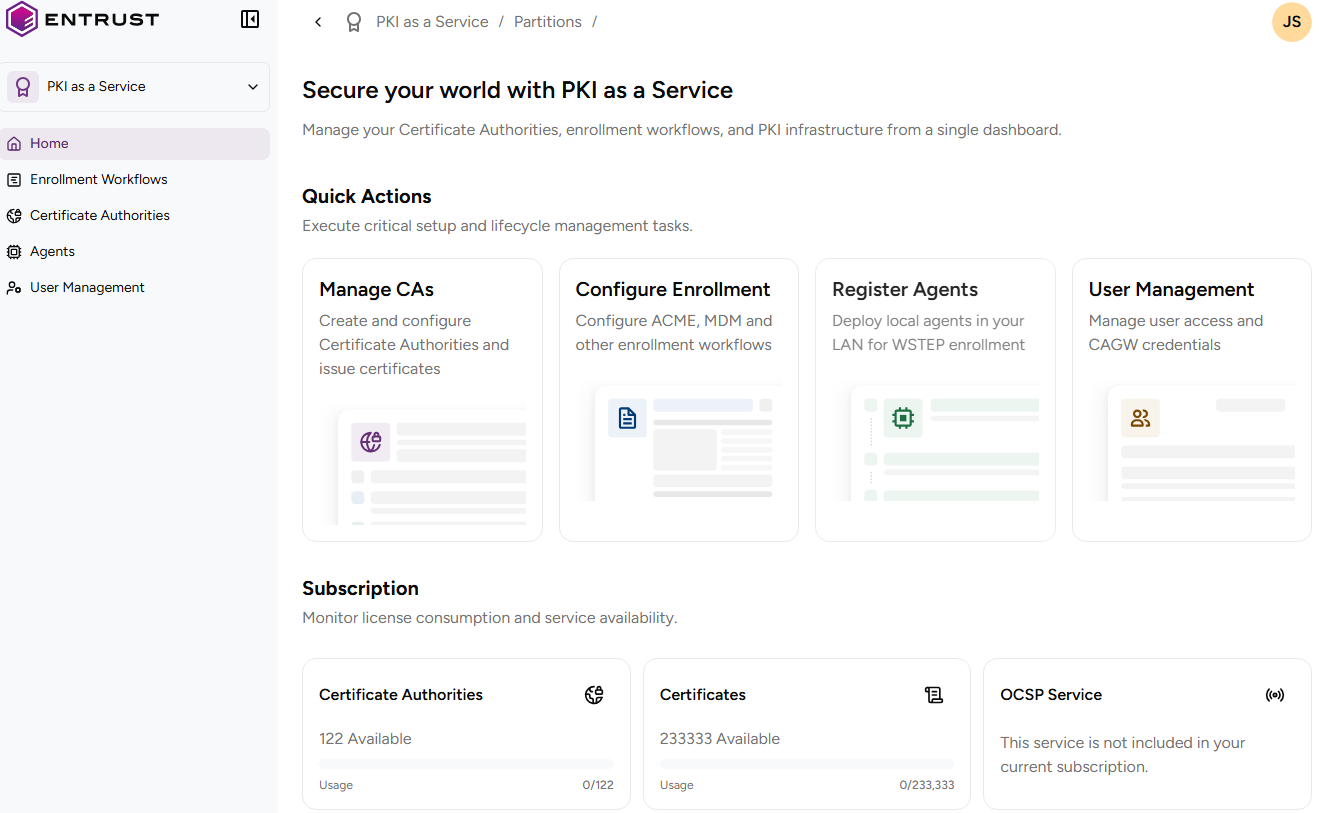
On the home page, use Quick Actions to set up your PKI and Feature Usage to review the certificate and CA inventory values described in Checking your subscriptions.