Customizing subscriber profiles
See below for cloning Subscriber certificate profiles to create custom ones.
⚠ Authority certificate profiles cannot be cloned or modified.
To create certificate profiles:
-
Follow the steps described in Accessing your partitions to log into the PKIaaS interface as a user with any of these roles:
-
Click Certificate Authorities in the sidebar.
-
Click the Certificate Profiles Admin tab.
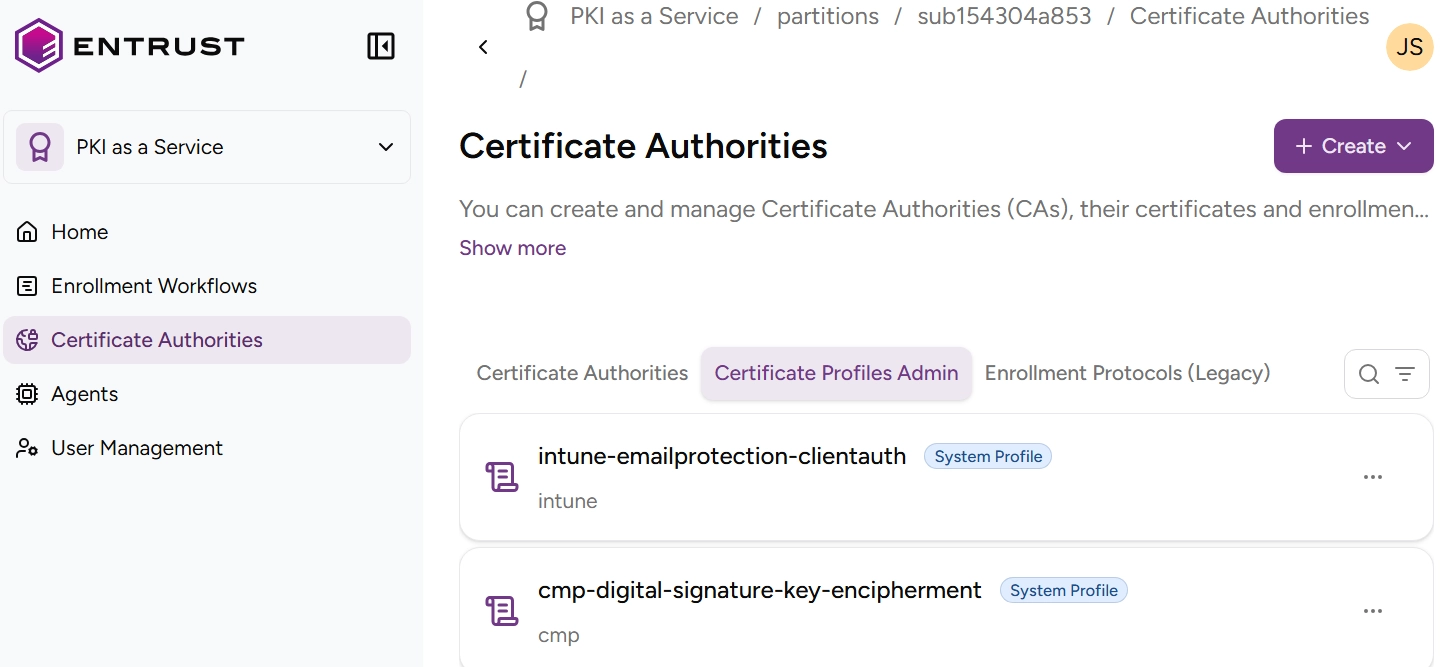
-
Click the three dots ("…") to the right of the profile you want to use as a template.
-
Select Clone Certificate Profile.
-
In the Clone Certificate Profile form, edit the Certificate profile fields. You can:
- Fill in the UI fields.
- Toggle the Edit the Raw Profile Information switch and edit the profile JSON specification.
-
Click Clone to complete the profile creation.