Accessing your partitions
Log in to the PKIaaS user interface to manage the CAs and certificates of your partitions.
ℹ See Assigning subscriptions to partitions for how to create partitions.
To access a partition:
-
Open one of the supported browsers: Apple Safari, Google Chrome, or Mozilla Firefox.
-
Navigate to the URL of the PKIaaS interface for your region.
Region URL United States https://ui.pkiaas.entrust.com Europe https://ui.eu.pkiaas.entrust.com Post-quantum lab https://ui.pqlab.pkiaas.entrust.com
⚠ Make sure the URL is whitelisted on your network firewall to avoid connectivity issues.
-
Authenticate using your credentials.
-
Select a partition in the Select Partition dialog.
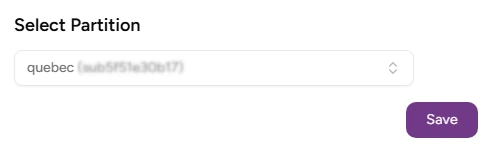
-
Click Select to display the welcome page.
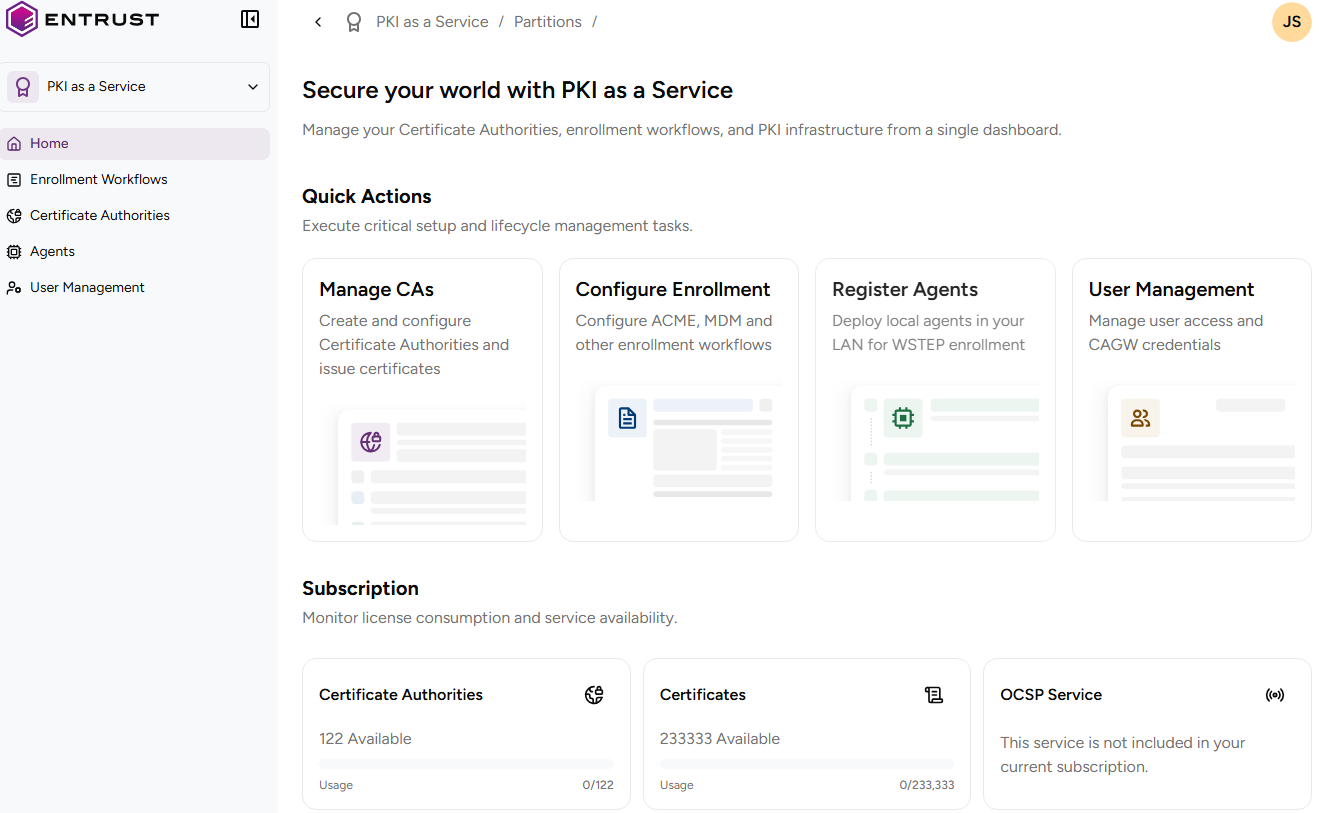
-
Under Quick Actions, see a list of the main steps to start up your PKI, with links to the corresponding UI sections.
-
In the Subscription box, check the certificate and CAs inventory values already described in Checking your subscriptions.