Migrating legacy enrollment protocols
To make use of the new enrollment lifecycle-management operations, you must migrate the legacy configurations set in the Enrollment Protocols (Legacy) tab of the Certificate Authorities page.
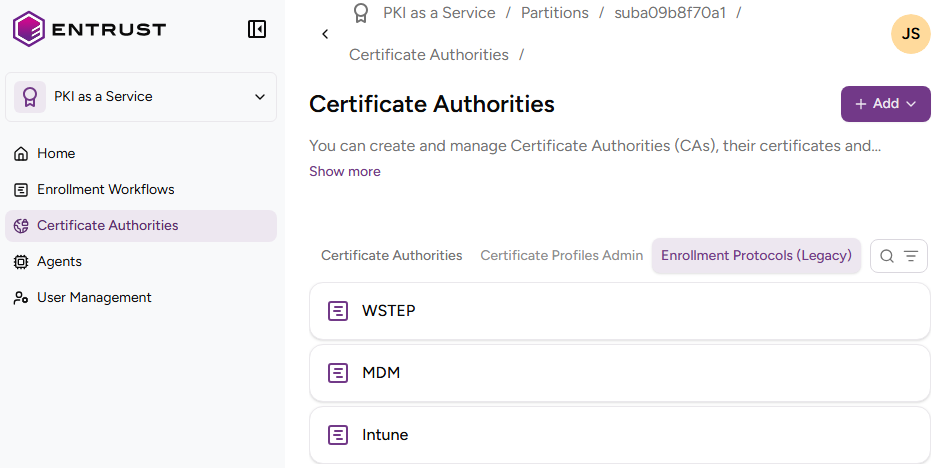
To migrate a legacy enrollment protocol:
-
Follow the steps described in Accessing your partitions to log into the PKIaaS interface as a user with any of the following roles:
-
Create a new enrollment workflow using the same certificate authorities. See below for the required steps.
Legacy configuration New configuration steps Intune Automating Microsoft Intune MDM enrollment MDM Automating MDM Jamf enrollment Automating MDM Workspace ONE enrollment Automating MDM Ivanti enrollment Automating MDM IBM MaaS360 enrollment WSTEP Not yet adapted to the new configuration -
Click Certificate Authorities in the sidebar and select the Enrollment Protocols (Legacy) tab.
-
Remove the old configuration.
-
Configure the new enrollment URL on your corporate system.