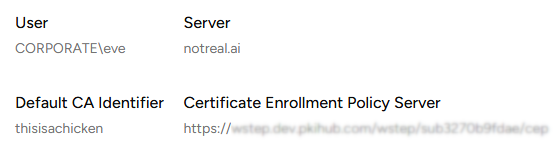
Getting the enrollment URL
When Enabling WSTEP for users on your Windows domain you will need the URL of the Certificate Enrollment Policy Server. See below for how to obtain this URL.
ℹ Skip this section if you already copied this URL when Adding Active Directory nodes.
To get the WSTEP enrollment URL:
-
Follow the steps described in Accessing your partitions to log into the PKIaaS interface as a user with any of the following roles:
-
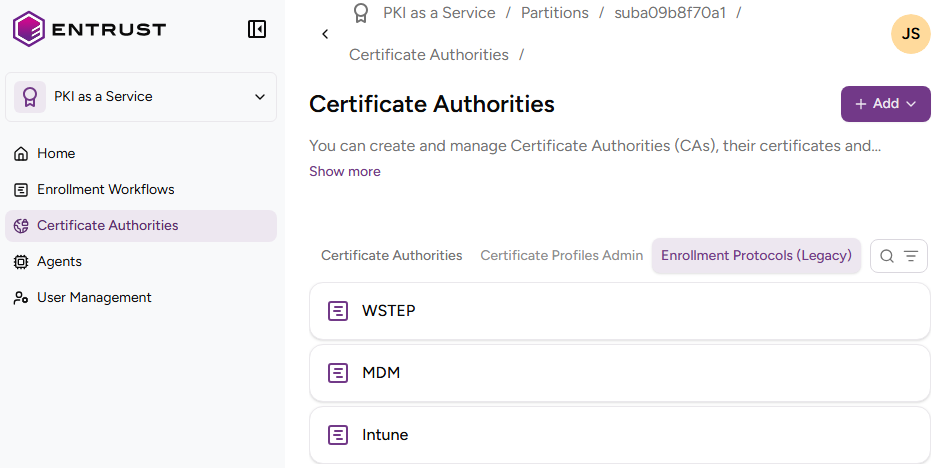
Click Certificate Authorities in the sidebar and select the Enrollment Protocols (Legacy) tab.
-
Click WSTEP in the protocols list.
-
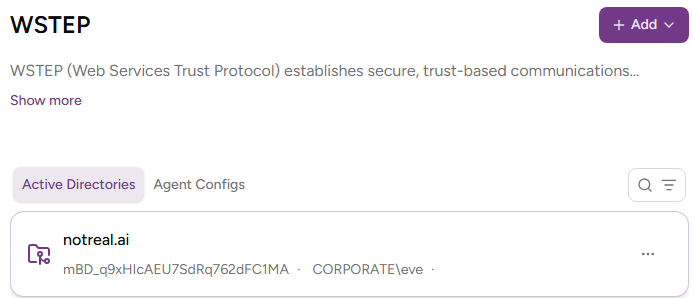
In the Active Directories tab, click the domain for which to obtain the WSTEP enrollment URL.
-
Expand the domain details and copy the URL under Certificate Enrollment Policy Server.