Registering an agent
Once installed on your premises, register the agent in the Entrust PKIaaS portal.
To register an agent:
-
Follow the steps described in Accessing your partitions to log into the PKIaaS interface as a user with any of the following roles:
-
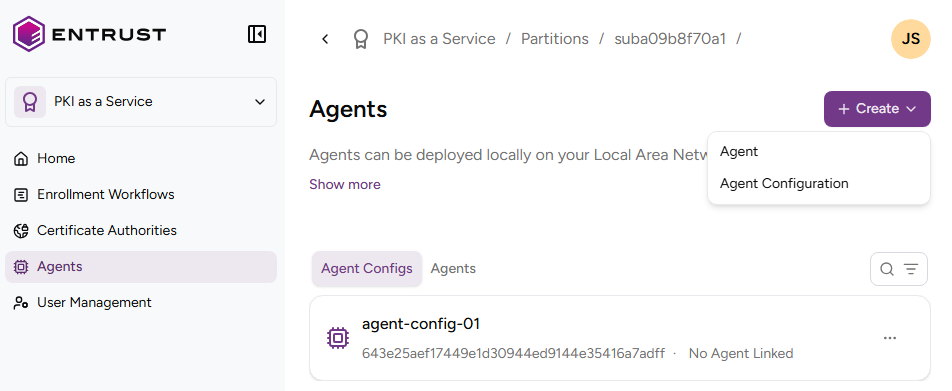
Click Agents in the sidebar and select Create > Register an Agent.
-
In the Register Agent dialog, enter the one-time password you obtained when completing the installation on the selected platform.
-
Click Register.