Uploading the VHD image
Upload the agent image file with the .vdh extension to Azure.
ℹ See Downloading an agent to obtain this file.
To upload the VHD image file:
-
Extract the contents of the Azure zipped image.
⚠ Extracting the Azure zipped VHD image requires at least 11 GB of disk space.
-
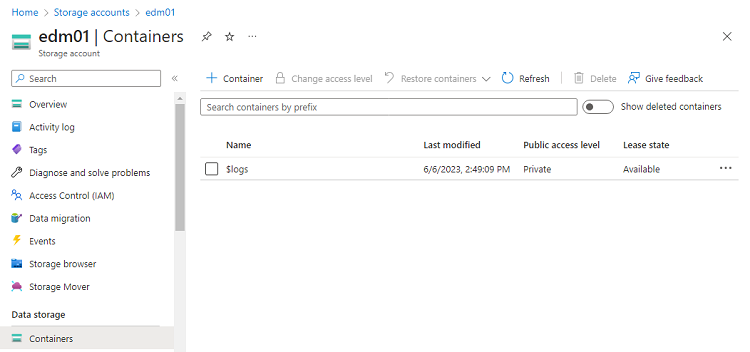
In the Azure Portal, select the storage account described in Creating an Azure storage account.
-
In the sidebar menu of the storage settings page, select Data storage > Containers.
-
On the Containers page, click + Container.
-
Enter a name for the new container and click Create.
-
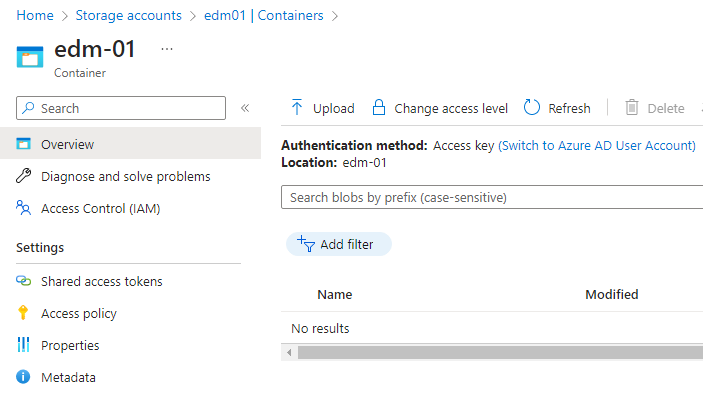
On the Containers page, click the name of the new container to display the container details.
-
On the container details page, click Upload.
-
Select the agent image file with the
.vdhextension and wait while the file uploads.