Browsing certificate profiles
See below for how to browse certificate profiles.
To browse certificate profiles:
-
Follow the steps described in Accessing your partitions to log into the PKIaaS interface as a user with any of these roles:
-
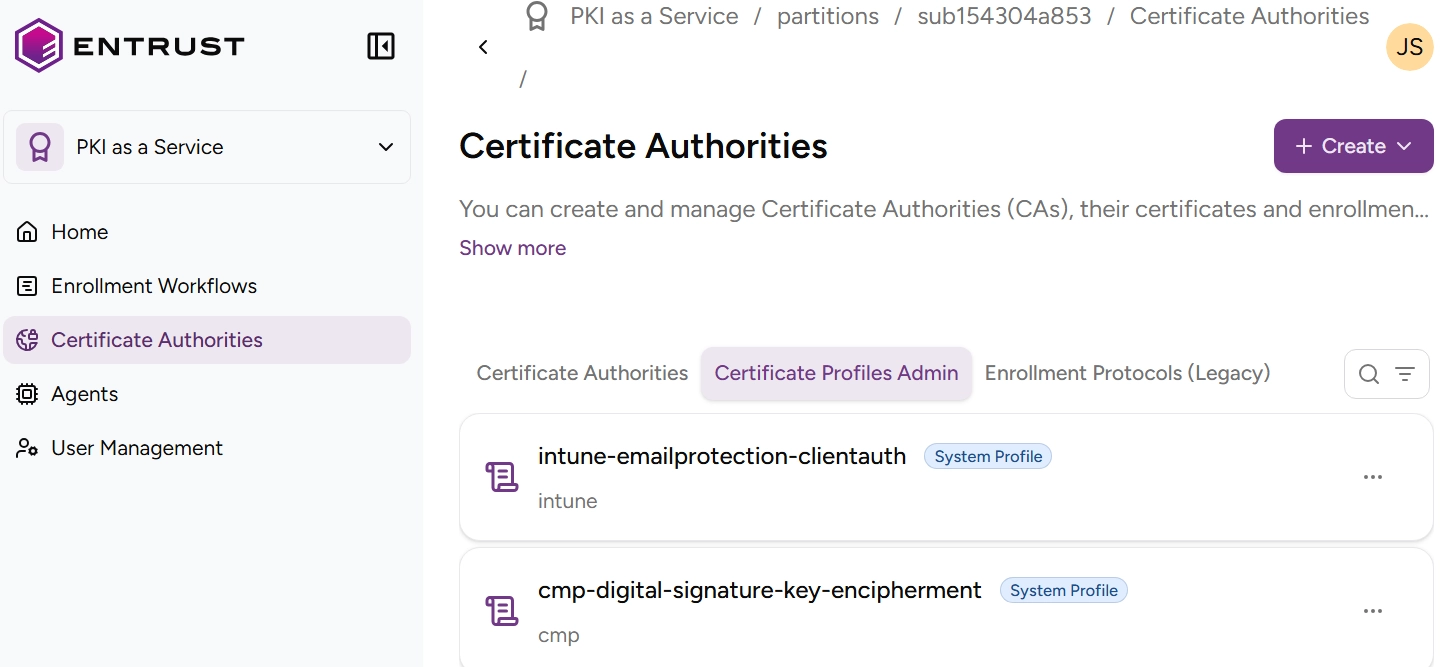
Click Certificate Authorities in the sidebar and select the Certificate Profiles Admin tab.
-
Browse the list of certificate profiles.
- A System profile is one of the predefined certificate profiles described in Authority certificate profiles and Subscriber certificate profiles.
- A Custom profile is a certificate profile configured by the user as explained in Customizing subscriber profiles.
-
Click on a profile to display the Certificate profile fields.