Creating an S3 bucket
If you don’t have an S3 bucket, create a new one as explained below.
ℹ Skip this step if the bucket was already created for a previous deployment.
To create an S3 bucket:
-
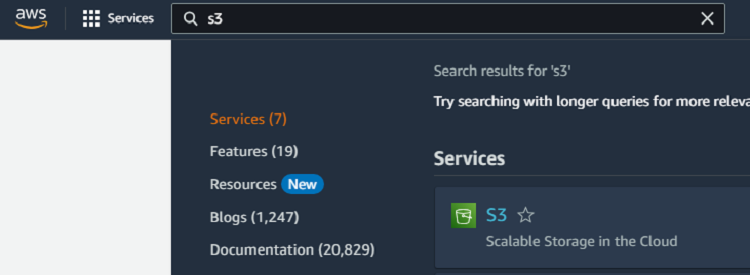
Type “S3” in the AWS console search box.
-
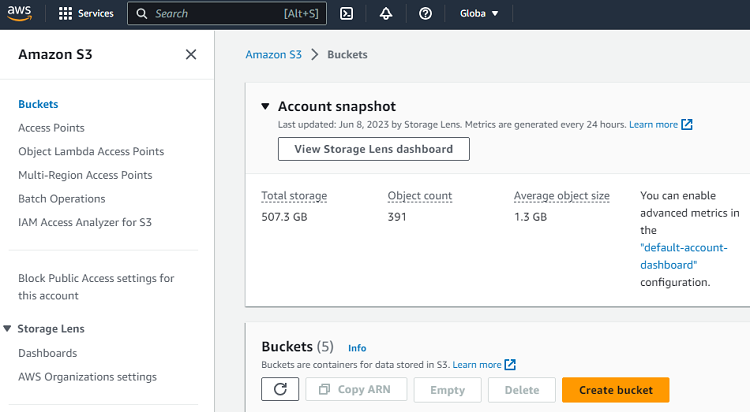
Select S3 in the search results to display the Amazon S3 > Buckets page.
-
Click Create a bucket.
-
Enter a name for the new bucket.
-
Select an AWS region for the bucket.
⚠ All the resources created to deploy the agent in Amazon Web Services must share the same region.
-
For the other S3 settings, you can leave the default values.
- Object Ownership
- Block Public Access settings for this bucket
- Bucket Versioning
- Default encryption
- Advanced settings
-
Click Create bucket.