Creating a Group Policy Object
The recommended method to configure a certificate chain trust is to create a Group Policy Object (GPO) linked to all domains in the Active Directory forest.
To create a Group Policy Object:
-
Log in to the root Active Directory of the forest as an Active Directory administrator.
-
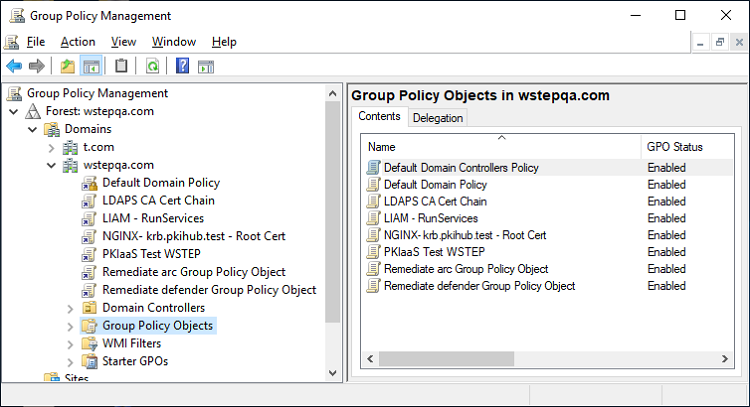
Select Start > Windows Administrative Tools > Group Policy Management to open the Group Policy Management dialog.
-
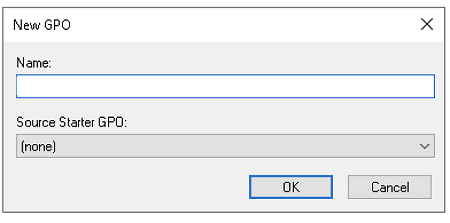
Under the root domain, right-click the Group Policy Objects folder and select New to display the New GPO dialog.
-
Provide a new Name for the GPO and click OK.