Linking the WSTEP Group Policy Object
Repeat the following procedure in each domain of the Active Directory forest to link the Group Policy Object created for the WSTEP certificate chain.
To link a Group Policy Object with a domain:
-
Log in to the root Active Directory of the forest as an Active Directory administrator.
-
Select Start > Windows Administrative Tools > Group Policy Management to open the Group Policy Management dialog.
-
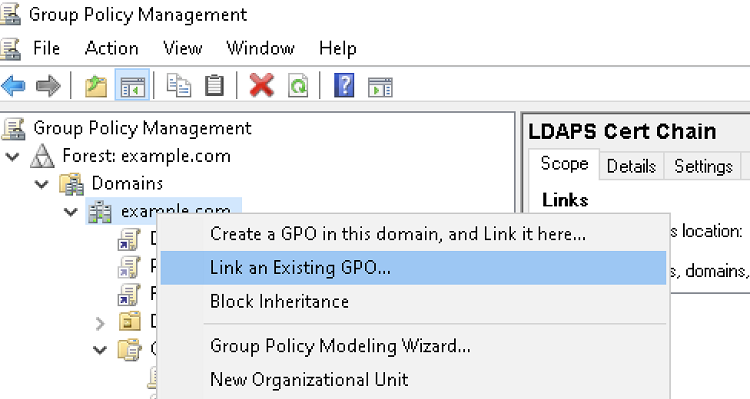
Right-click the domain name and select Link an existing GPO… to display the Select GPO dialog.
-
Select the Group Policy Object.
-
Click OK.