Downloading eForm TLS entity certificates
See below for downloading certificates of approved eForm TLS entities.
To download eForm TLS entity certificates:
-
Follow the steps described in Accessing your partitions to log into the PKIaaS interface as a user with any of the following roles:
-
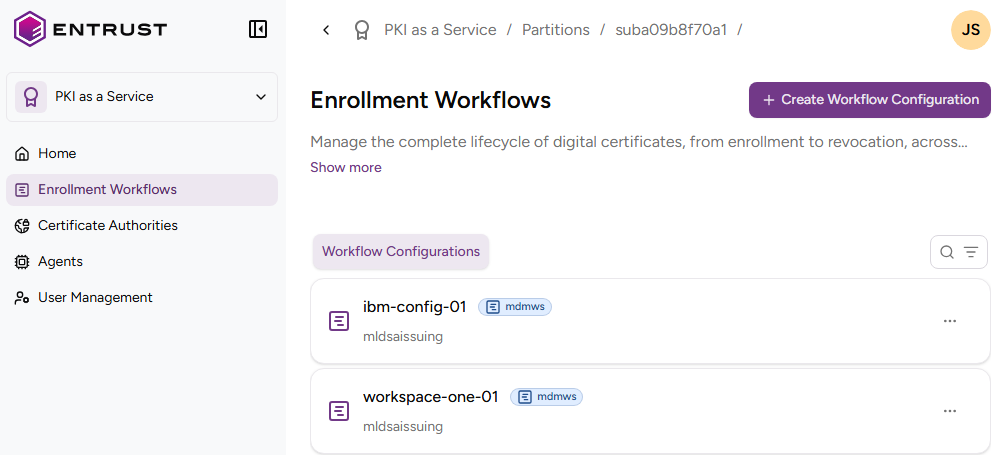
Click Enrollment Workflows in the sidebar.
-
Click on an eForm workflow configuration.
-
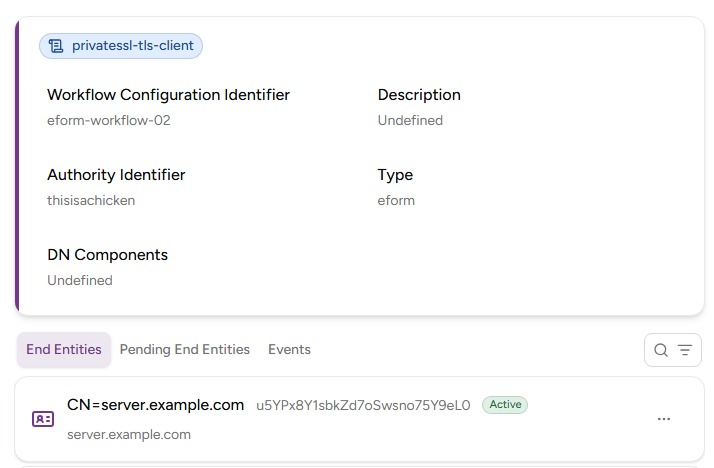
In the workflow details page, select the End Entities tab and click on an active entity.
-
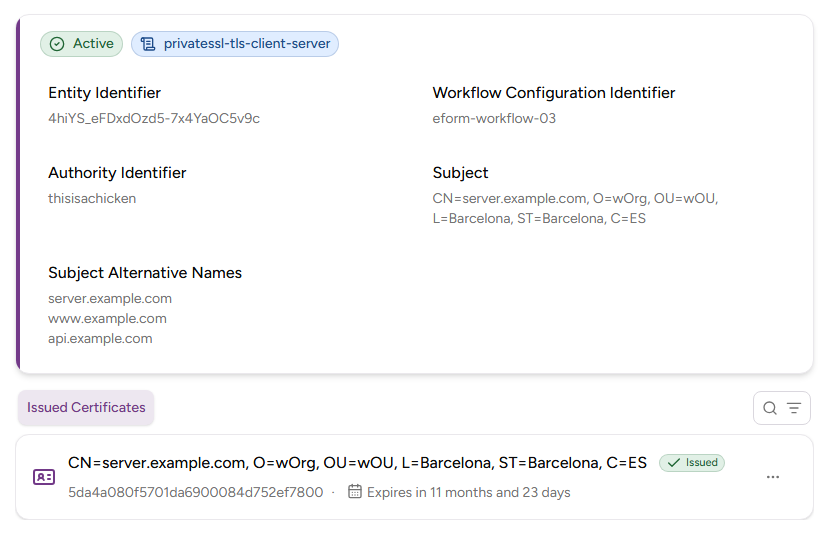
In the entity details page, select the Issued Certificates tab and click on a certificate.
-
In the certificate details page, click Download Certificate.