Selecting CAs for certificate templates
Once started, the on-premises agent discovers:
- The Microsoft Windows domains for each Active Directory node (see Adding Active Directory nodes).
- The Microsoft certificate templates configured on each domain
See below for how to select the PKIaaS certificate authority that will issue certificates for each template.
To select a CA for a certificate template:
-
Follow the steps described in Accessing your partitions to log into the PKIaaS interface as a user with any of these roles:
-
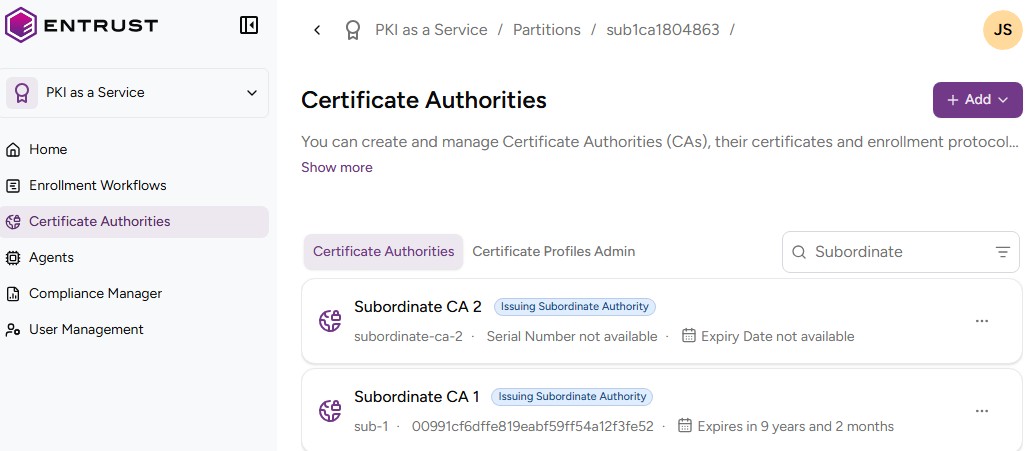
Click Certificate Authorities in the sidebar.
-
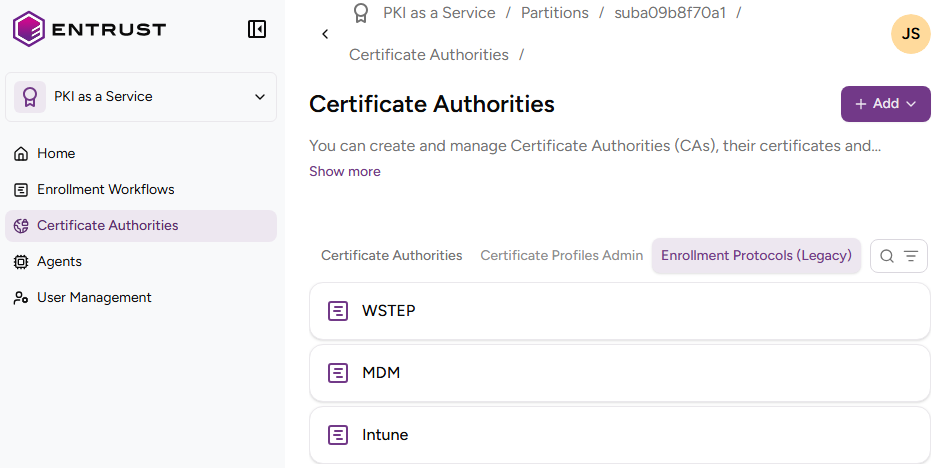
Select the Enrollment Protocols (Legacy) tab.
-
Click WSTEP in the protocols list.
-
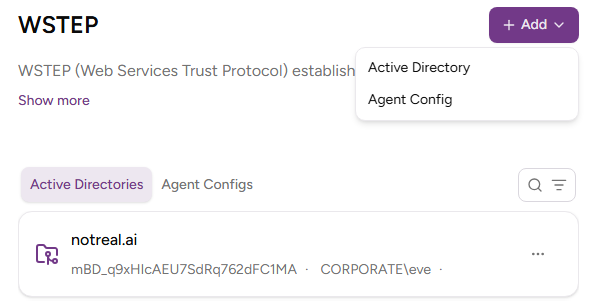
In the Active Directories tab, click on an Active Directory name.
-
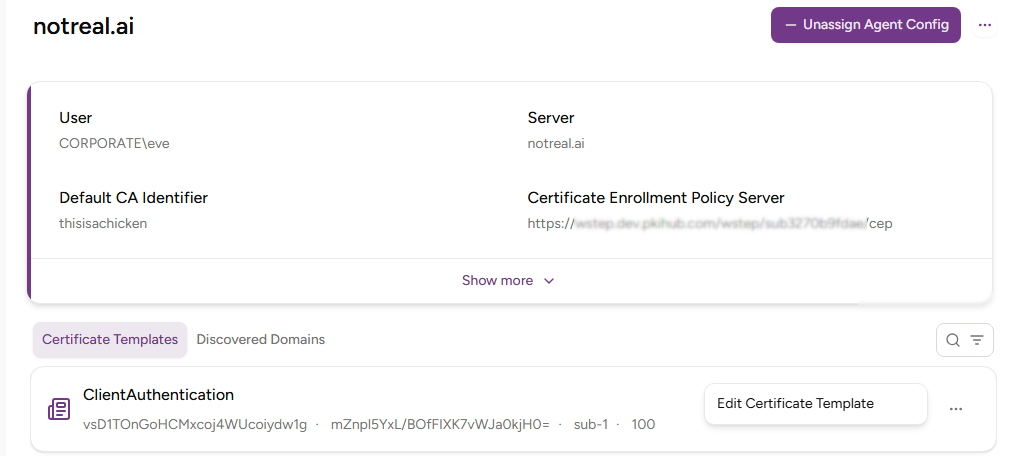
On the Discovered Domains tab, check the domains discovered by the agent for the Active Directory.
-
On the Certificate Templates tab, select Actions > Edit Certificate Template for a certificate template.
-
Select one of the certificate authorities described in Configuring an issuing CA for WSTEP and click Edit.