Inviting users
See below for how to add PKIaaS users by sending invitation emails.
To invite a user:
-
Follow the steps described in Accessing your partitions to log into the PKIaaS user interface as a user with the Owners role.
-
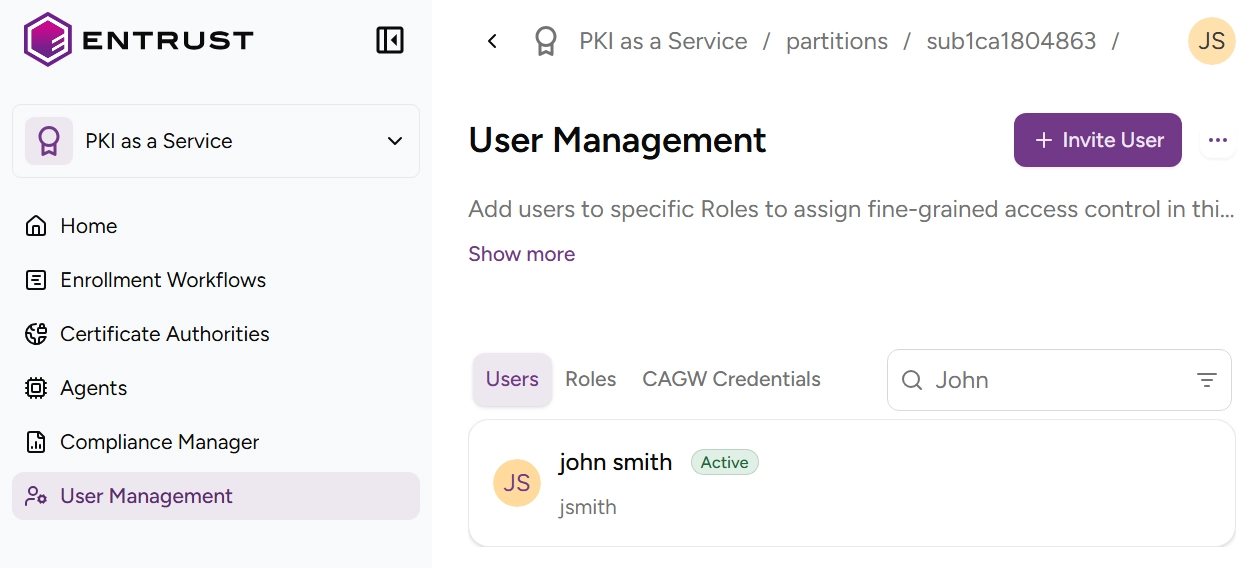
Select User Management in the sidebar.
-
Click the plus + icon to the right of the Users tab.
-
Fill in the Invite User form fields.
- The Email to which to send the invite.
- The First Name and Last Name as they will be displayed in the user interface.
-
Click Invite to send an email that includes a link to confirm the invitation and generate PKIaaS user credentials.
ℹ See Managing roles for how to grant permissions to users by granting them roles.